
Village in the Shade Russian Language and Patch Status
Russian is not listed among Village in the Shade’s official Steam languages in the October 28 check.
Is Russian officially supported?
The Steam language list, checked on October 28, 2026, lists Japanese, Korean, Traditional Chinese, Simplified Chinese, English, French, and Spanish. Russian is not included in that checked list.

Village in the Shade Launch Trailer - (Nintendo Switch, Nintendo Switch 2, PlayStation 5, and Steam) · NIS America
Official launch trailer used as general reference for the 2026 original game. It is not a dedicated tutorial, a hardware test, or proof of a specific mechanic, patch, translation, price, or demo.
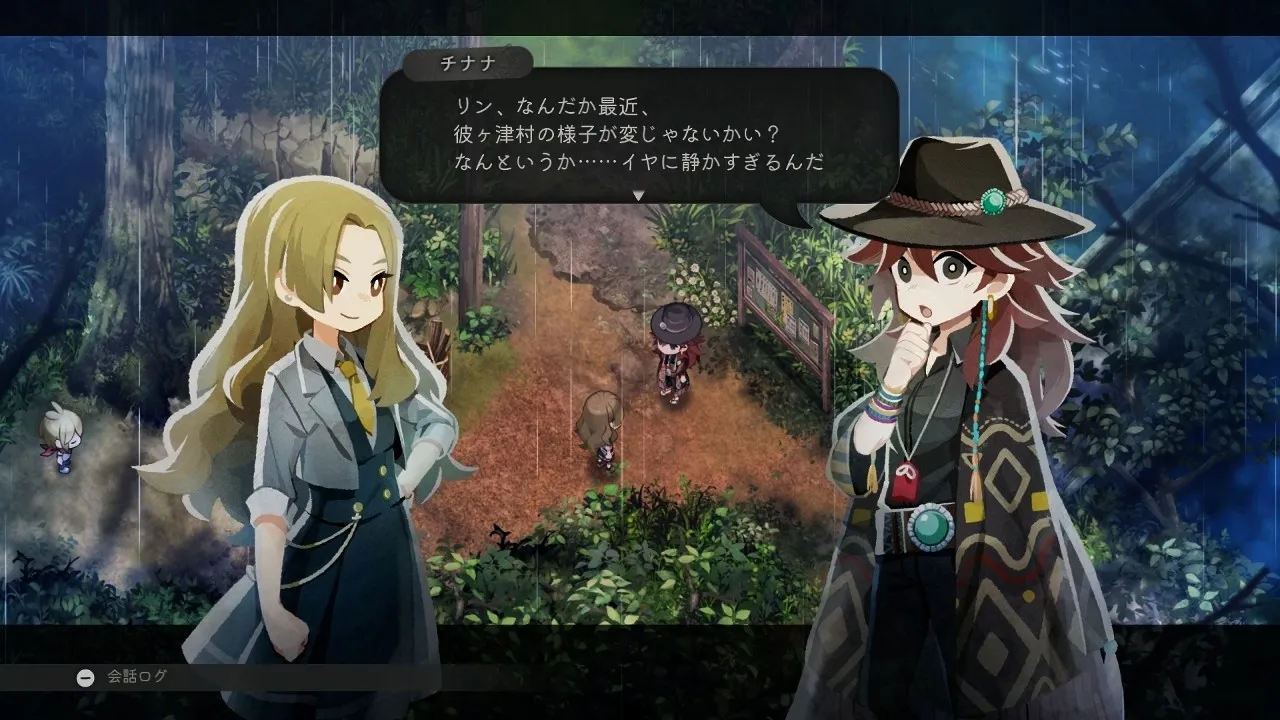
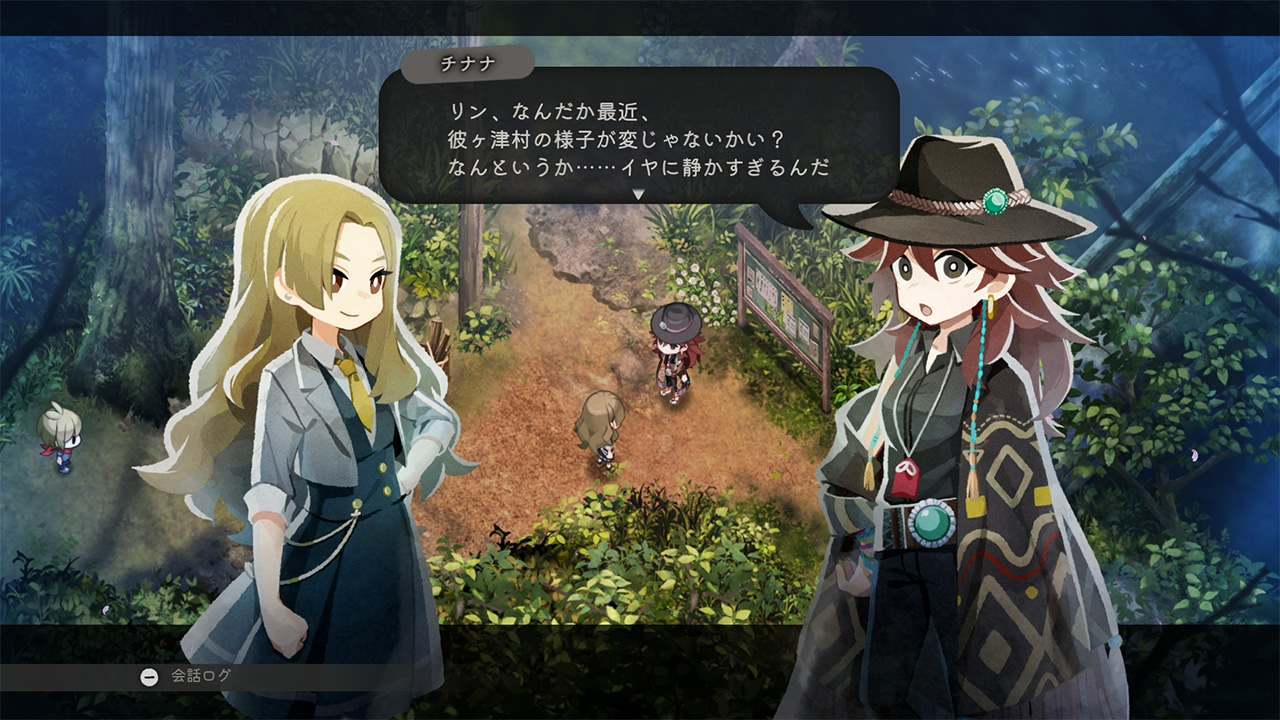
Cover context: Official Japanese villager-conversation screenshot; not evidence of Russian support or a Russian patch.
This is a dated statement about official support, not proof that nobody has ever worked on a community translation. A current Russian mod needs its own identified author, release page, and compatible build.
Is there a verified Russian patch download here?
No compatible author release was verified for this article. The page therefore provides no invented installer, archive URL, or claim that a particular executable translates the game.
If you find a project, compare its target platform and build with your copy. A translation for the original Japanese PC release may not fit the later official language update. Keep the source page and changelog with any compatibility report.
Do updates or DLC imply a translation?
No. The developer’s content roadmap concerns gameplay additions and events. A new scenario, map, or furniture set does not establish a Russian-language package unless the language is explicitly announced.
Use official notices for official localization, and a mod author’s own release notes for a fan translation. These are separate kinds of support.
Can you use another official language meanwhile?
Check the languages offered by your exact regional copy before purchasing. On Steam, select the intended language before creating the save: the official notice says display language is stored per save and cannot be switched inside the running game. Do not assume that a new store setting converts an old save.
Related guides
Media sources
Related Articles
localization
How to Change Language in Village in the Shade
Set your preferred language before creating a Village in the Shade save.
localization
Village in the Shade English: Patch 1.30 and Save Language Guide
Village in the Shade English support is available. Learn how Patch 1.30, Steam language settings, and save-specific choices affect your game.
localization
Village in the Shade English Patch: Official Support and Old Mods
Village in the Shade’s existing Steam release received official English support with Patch 1.30 on October 27, 2026.
Was this helpful?
Thanks for the feedback!