
How to Change Language in Village in the Shade
Set your preferred language before creating a Village in the Shade save.
When should you select the language?
Select it before starting the save you intend to use. The official Steam notice explained that the displayed language is stored separately for each save and cannot be changed in-game once the game has launched. Changing a storefront interface is not the same operation as changing an existing save’s text.

Village in the Shade Launch Trailer - (Nintendo Switch, Nintendo Switch 2, PlayStation 5, and Steam) · NIS America
Official launch trailer used as general reference for the 2026 original game. It is not a dedicated tutorial, a hardware test, or proof of a specific mechanic, patch, translation, price, or demo.
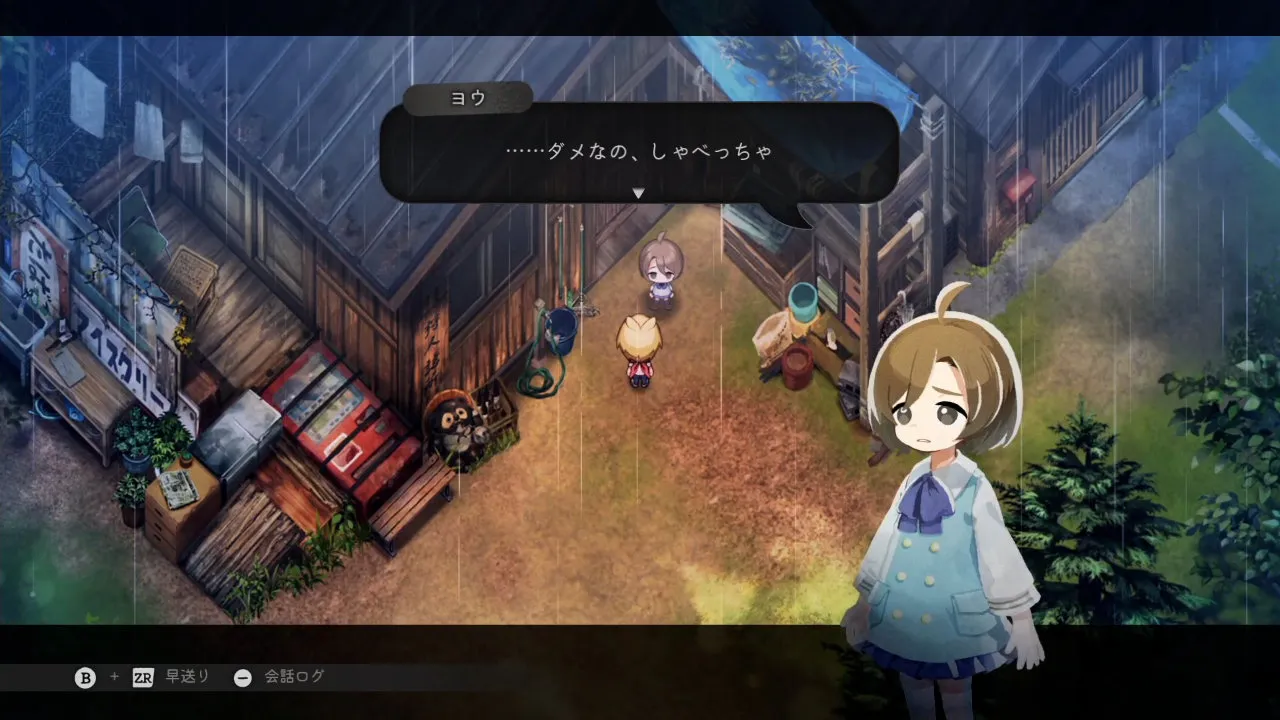
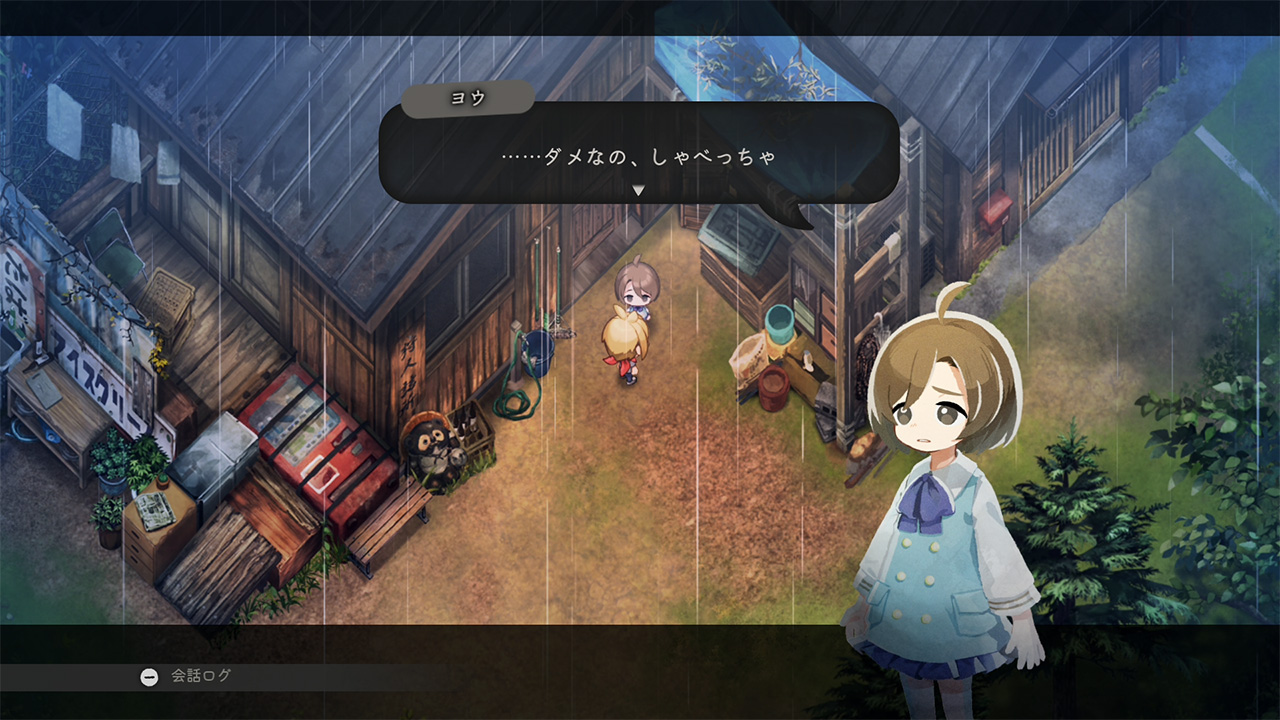
Cover context: Official Japanese dialogue screenshot; language context, not the language-settings menu.
Use the current Steam listing and the linked official notices in our language guide. Patch 1.30 added English, French, and Spanish support to the existing Steam release on October 27, 2026.
What should a Steam player do?
Close the game before changing its language selection in Steam. Use the game’s Properties language control where it is offered, allow any required update to finish, then launch and check the language before creating a new save.
Do not overwrite your old progress simply to experiment. Keep separate saves and confirm which one you are loading. Selecting English for a fresh start should not be described as converting every existing Japanese save.
What if the language is still wrong?
Confirm that you are opening the updated game under the intended account and loading the intended save. Check the actual regional product listing if you are on a console; PC language availability is not proof that every console SKU includes the same languages.
The Japanese original and the Western launch are distinct release milestones. Advice recorded before the Western language update may describe the older build accurately while being unsuitable for a new English playthrough today.
Should you edit a save file?
No verified conversion procedure is supplied here. A folder path or a community guess is not evidence that editing a particular field safely changes the language. Preserve the save and follow official instructions rather than experimenting on the only copy of your progress.
Related guides
Media sources
Related Articles
localization
Village in the Shade English: Patch 1.30 and Save Language Guide
Village in the Shade English support is available. Learn how Patch 1.30, Steam language settings, and save-specific choices affect your game.
localization
Village in the Shade English Patch: Official Support and Old Mods
Village in the Shade’s existing Steam release received official English support with Patch 1.30 on October 27, 2026.
localization
Village in the Shade Thai Mod: Author, Installation, and Compatibility
A community Thai translation for Village in the Shade is published on Nexus Mods by supakiat2018.
Was this helpful?
Thanks for the feedback!